Version 1.12 Now Available
Spatial Cinema
Spatial Cinema
On Your Face.
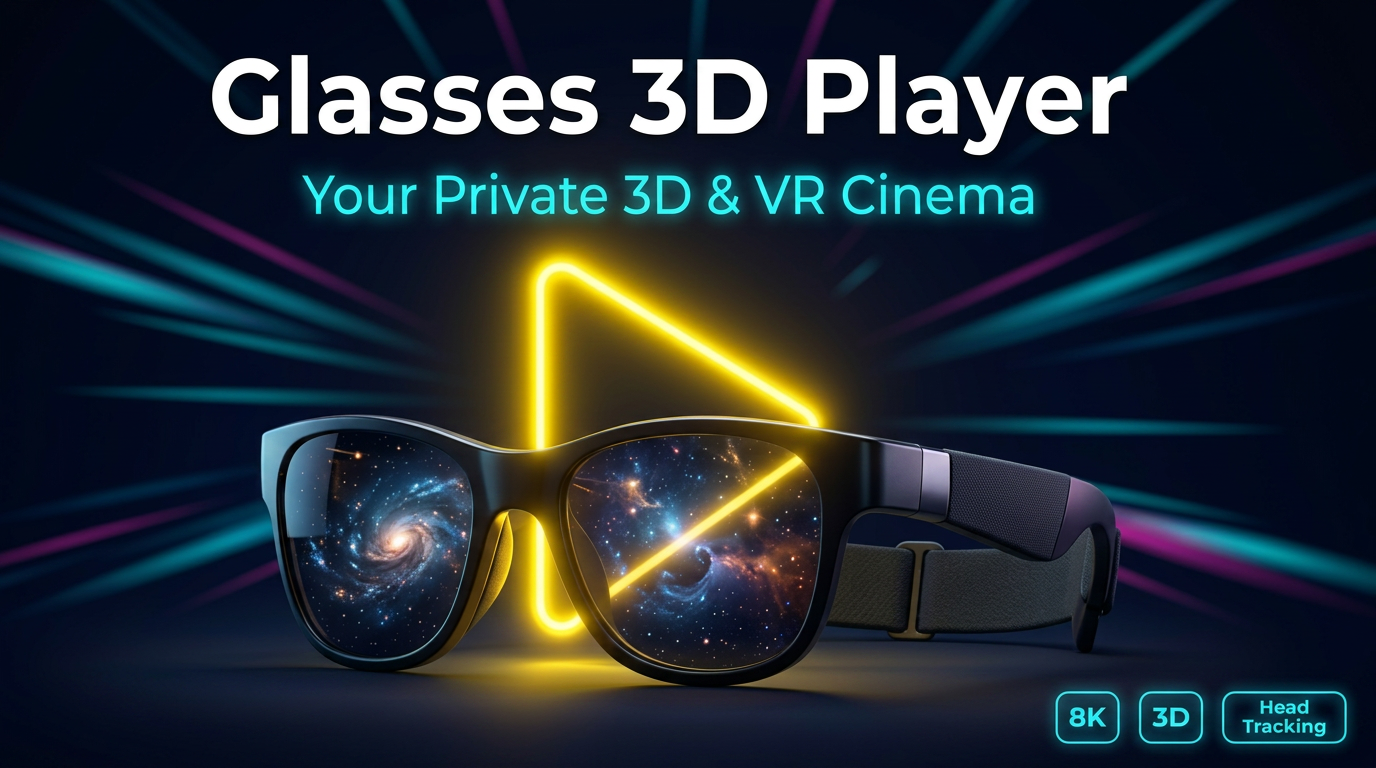
The most advanced media player for AR/XR glasses. Engineered for VITURE and RayNeo with native 3DoF head tracking and spatial audio support.
8K VR180 Support
SBS & OU 3D
Head Tracking
Precision Controls
Built for AR.
Every button is optimized for gaze and remote interaction. No more fumbling with standard touch controls in a spatial world.
3DoF
Tracking
1.12
Version
Media Hub
- Local Files: Smart file browser for your library.
- Stream URL: Direct 8K streaming support.
- Pro Codecs: Custom FFmpeg decoder support.
- Premium: Ad-free immersive experience.
Spatial Modes
- Flat Mode: Traditional virtual cinema.
- 3D Toggle: Smart SBS/OU consolidated switch.
- VR180: Spherical projection with FOV stretch.
- Mirror Mode: 2D mirroring for hardware 3D.
Immersion
- Recenter: One-tap orientation reset.
- Aspect Ratio: Auto-detecting Fit, Fill, Zoom.
- Glasses Only: Phone screen off to save battery.
- Multi-Track: Toggle Audio/Subtitles on the fly.
Designed for Comfort.
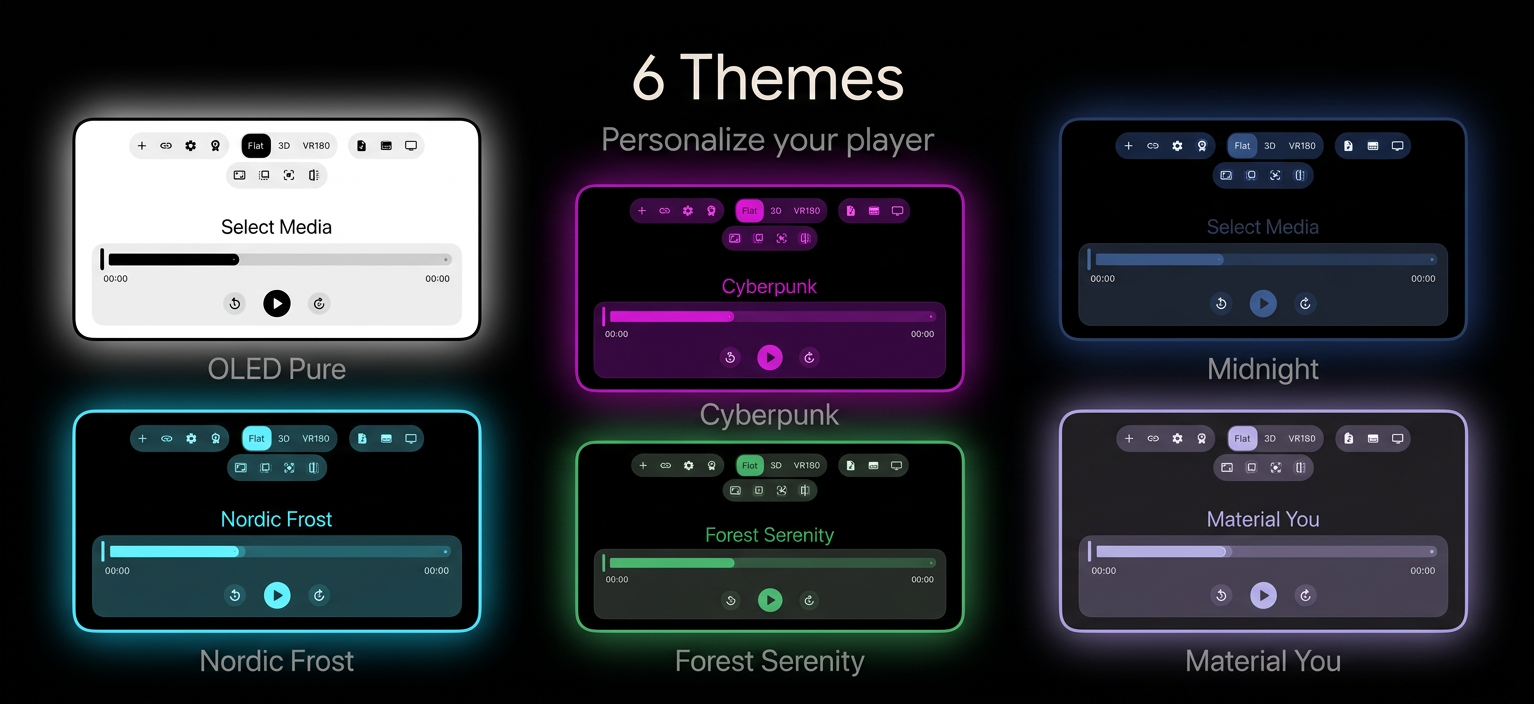
Switch between 6 premium themes including Midnight, Sharp, and OLED Black. Your eyes, your rules.